AI just moved into WordPress: what to turn on today and what to leave for tomorrow
WordPress 7.0 ships what the team calls its “AI foundations”: one place to connect the provider you prefer — OpenAI, Anthropic or Google — and tools that write titles, excerpts and image descriptions right inside the editor. It is a real shift, not a marketing trick. But like any new employee, AI needs a job description, a budget, and someone looking over its shoulder.
Cittago runs this as a service — see web development agency.
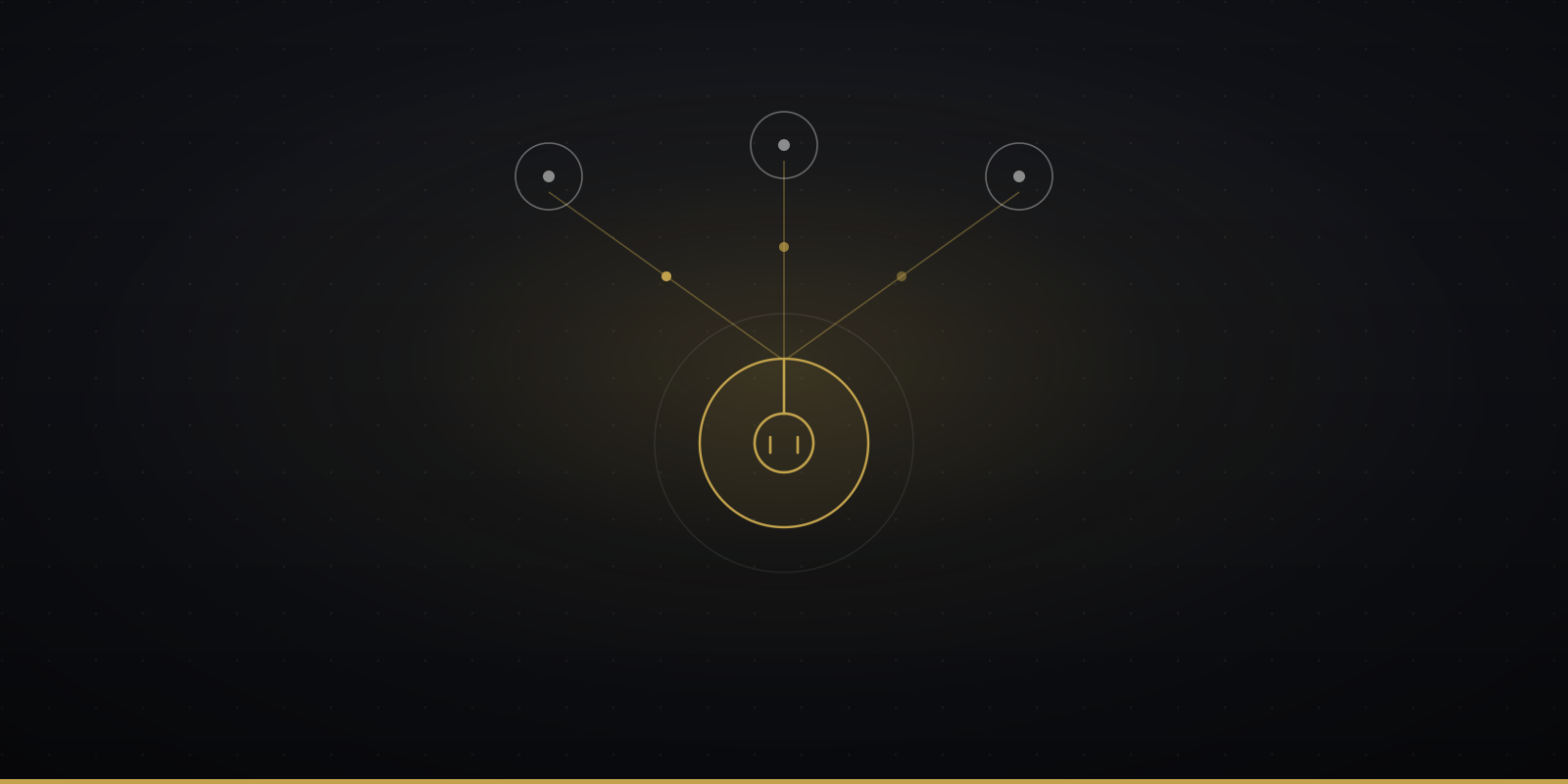
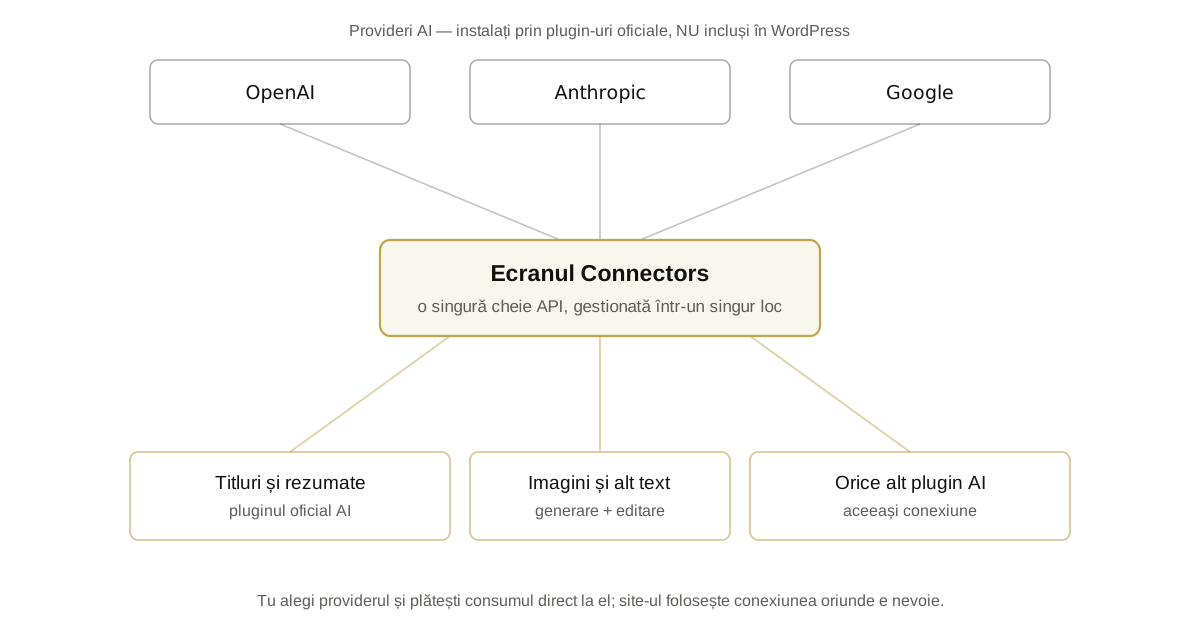
Until now, if you wanted AI in your WordPress site, every plugin came with its own API key, its own settings and its own bill. From version 7.0, things settle down: there is a single screen — Connectors — where you connect your AI provider once, and every tool on the site draws on the same connection. It sounds technical, but the idea is plain good housekeeping: one key, one place to watch, one relationship to pay.
Connectors = a single hub for connections to external services, AI included. Providers do not ship inside WordPress — you install them through official plugins (OpenAI, Anthropic, Google) and pay for usage directly to them. The optional AI plugin adds concrete tools to the editor: titles and excerpts, image generation and editing, alt text suggestions (the official WordPress 7.0 announcement). Everything is opt-in: connect nothing, and your site stays exactly as it was.
One socket, many appliances
Think of Connectors as the wall socket: the AI provider is the electricity, and the plugins are the appliances. Before, every appliance came with its own generator; now they all plug into the same socket, and you can see in one place who is drawing power and for what. For a non-technical owner, that means two practical things: fewer settings scattered around the site, and a clear picture of the costs.
So what can you actually do, from day one? The official 7.0 announcement lists the AI plugin’s tools: generate titles and excerpts for posts, create and edit images, suggest alt text for photos. Small potatoes? Not at all. Alt text, for one, is exactly the kind of chore nobody ever gets around to — and it matters both for accessibility and for the way AI reads your site.
AI is a new employee, not a magic button
The healthiest attitude towards the AI in your site is to treat it like an employee in their first month: capable, hard-working, but still without the judgment of the house. You give it clear, boring tasks (alt text, excerpts, title variants), you do not hand it the keys to everything, and you check its work before it reaches your customers. Over time, you grow its responsibilities — as you learn where it shines and where it goes off the rails.
A story
A job description for an employee who never sleeps
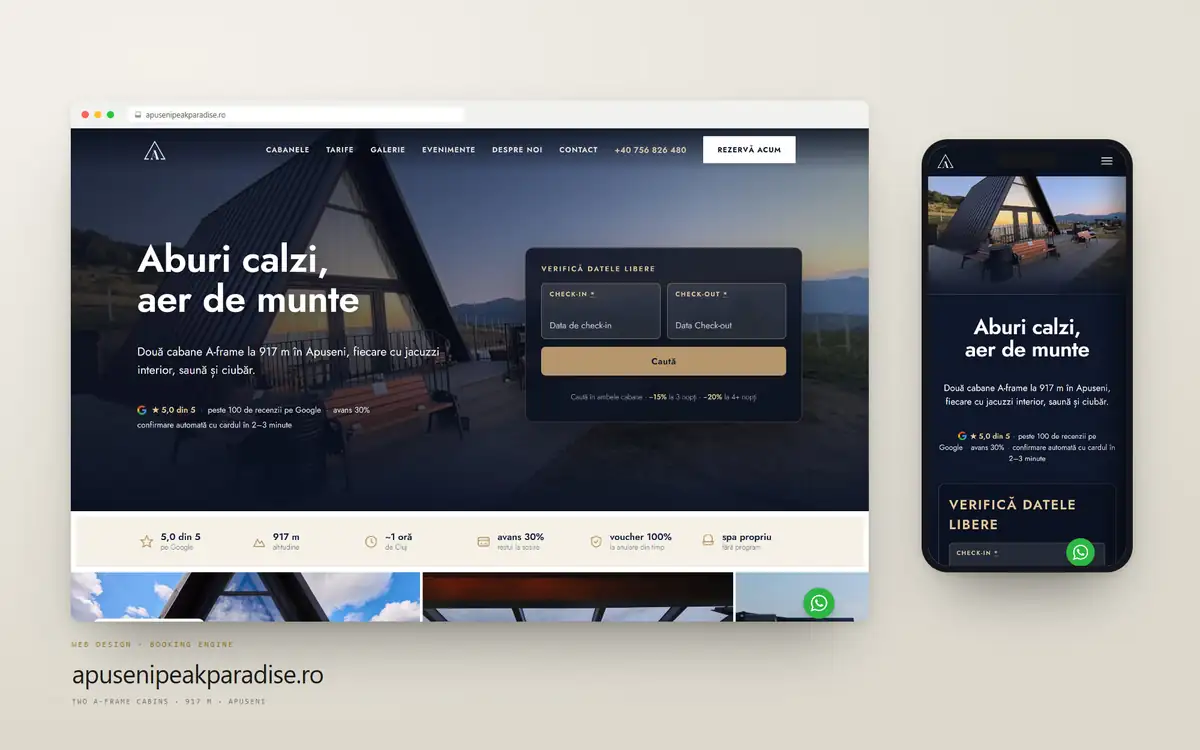
Picture a guesthouse with a trilingual website. The owner connects the AI provider and hands the new employee a short job description: alt text for the 80 photos, excerpts for the room pages, title variants for two blog posts. In the evening, the owner approves or corrects. Two hours of tedious work a week disappear from their calendar.
Now picture the version without the job description: the AI writes the descriptions on its own, nobody reads them anymore, and after a month the site sounds like every other site — correct, clean and completely anonymous. No catastrophe. Just the voice of the house, quietly watered down.
The difference is not the tool. It is who writes the job description, and who looks over the result.
Costs: you pay per use, so set limits
Here is the change of model many owners will only notice on the bill: WordPress does not sell AI. You open an account with the provider, and usage is paid there, as you go — like electricity. For editor tasks (titles, excerpts, alt text), the amounts are usually small. But “pay per use” also means nothing stops the meter: from day one, set a spending limit in your provider account and glance at the usage over the first few weeks, especially if you install other plugins that share the same connection. A budget is guarded like any other budget: with a limit, not with hope.
Security: the wp2shell lesson applies here too
A few days ago we wrote about wp2shell and about a rule that never changes: every new feature is also new surface. The rule holds for AI as well — perhaps especially for AI. A connection to an external service is one more door; a tool that can act inside your site based on a piece of text is an employee who needs a clear list of what they are allowed to touch.
The good news is that the platform is moving responsibly here as well: WordPress 7.1, published on 19 August 2026, has exactly this area on its official roadmap — further work on the connections and a new Guidelines mechanism, rules that AI tools have to respect on your site. Until then, the principle is the one in the table below: turn on a little, keep watch, expand gradually.
What to turn on today, what to leave for tomorrow
| Decision | What | Why |
|---|---|---|
| Turn on today | Alt text, excerpts, title variants, description drafts — with a human who approves | Boring tasks, low risk, immediate time savings |
| In moderation | Image generation, longer texts | Useful, but they call for taste and review — the voice of the house gets lost easily |
| Leave for tomorrow | Agents that act inside the site on their own, unsupervised public chat | New surface without the control tools that only arrive in 7.1 |
Frequently asked questions
Do I have to turn on AI in WordPress?
No. Everything is opt-in: if you do not install a provider plugin and do not connect anything on the Connectors screen, your site works exactly as before. AI is an option, not a condition.
How much does the AI in WordPress cost?
WordPress charges nothing — you pay your chosen provider (OpenAI, Anthropic or Google) per use, directly in your account with them. For editor tasks the amounts are usually modest; what matters is setting a spending limit in your provider account, so the budget is a decision, not a surprise.
Is it safe to connect an AI provider to my site?
With moderation and supervision, yes. The key sits centralized in Connectors, and editor tasks carry low risk. Caution applies to tools that act inside the site on their own — leave those until the rules layer in WordPress 7.1 arrives (August 19, 2026), and turn them on gradually.
Which provider should I choose: OpenAI, Anthropic or Google?
For editor tasks, any of the three does an honorable job — the big differences show up in complex work. Choose on down-to-earth criteria: where you already have an account, what the recommended model costs per use, and which billing interface you get along with. You can switch anytime — that is the beauty of the single socket.
When exactly does WordPress 7.1 arrive?
On 19 August 2026. The release-day process published on Make WordPress Core on 17 August puts the release party at 19:45 UTC and says WordPress 7.1 is published from 23:10 UTC, after a mandatory code freeze that began on 17 August at 14:00 UTC. Checked at 06:37 UTC on 19 August, api.wordpress.org still reported 7.0.4, so an update check in the European morning of the 19th finds nothing to install.
Do I need WordPress 7.1 to use AI in WordPress?
No. The AI Client and the Connectors screen ship in WordPress 7.0, which is what this page describes. What 7.1 adds, according to the official roadmap, is further work on the connections plus a Guidelines mechanism — rules that AI tools have to respect on your site.
Should I install 7.1 on release day?
If you run a shop in August, pick your own window rather than letting it happen. We ran the release candidate against twelve of the most widely installed plugins on one site: seven admin screens changed, three plugins reference the moved cells, one actually broke. The public site is not touched. The full test is in what actually breaks in the WordPress 7.1 admin tables.
Does connecting an AI provider change what visitors see?
Not by itself. Connectors is an admin screen and the editor tools run while you write; what reaches visitors is whatever you choose to publish. The change is in who drafts, not in what the site serves.
Who should leave this switched off for now?
Anyone who cannot name the person who will read the output before it goes live. AI in the editor saves time for someone who edits; it multiplies work for someone who publishes unread. If that person does not exist yet, the honest answer is to wait rather than to buy anything.
Where Cittago comes in
We have been using AI in production for a long time — in automations, in content, in our internal processes — and that is exactly why we are careful where it counts: we have seen both what it saves and what it breaks when left unsupervised. If you run a WordPress site and are wondering what is worth turning on from 7.0 for your specific case — and how to do it without diluting your voice or your budget — let’s look at it together.
The new tool does not change the old rule: technology works well for whoever writes its job description — and badly for whoever leaves it unsupervised.
Sources: Make WordPress Core — Introducing the AI Client in WordPress 7.0 · Make WordPress Core — Roadmap to 7.1 · Official WordPress 7.0.2 announcement
Last updated: 19 August 2026. WordPress 7.1 is published on 19 August 2026; the release-day process posted on Make WordPress Core on 17 August puts the release party at 19:45 UTC and publication from 23:10 UTC, and release candidate 4 shipped on 17 August at 15:00 UTC. Checked at 06:37 UTC on 19 August, api.wordpress.org still reported 7.0.4 as the current version. The Connectors screen and the AI Client described on this page ship in WordPress 7.0 and are unchanged by that release.